
01 / Request
Customer submits the RMA form
Equipment identity, issue, contact, and service context enter a structured record.
RMA and shipping workflow
Capture the issue once, create the return path, follow the shipment, and give receiving the context it needs before the box is opened.
See your workflow Bring your questions Call 844-439-2497
In a focused demo, review
Request-to-bench journey
One connected path keeps the customer request, label, tracking event, and inbound equipment together.
01 / Request
Equipment identity, issue, contact, and service context enter a structured record.
02 / Label
Generate the required UPS or FedEx label and keep it attached to the RMA.
03 / Transit
Operations can see the inbound movement without searching a carrier inbox.
04 / Receiving
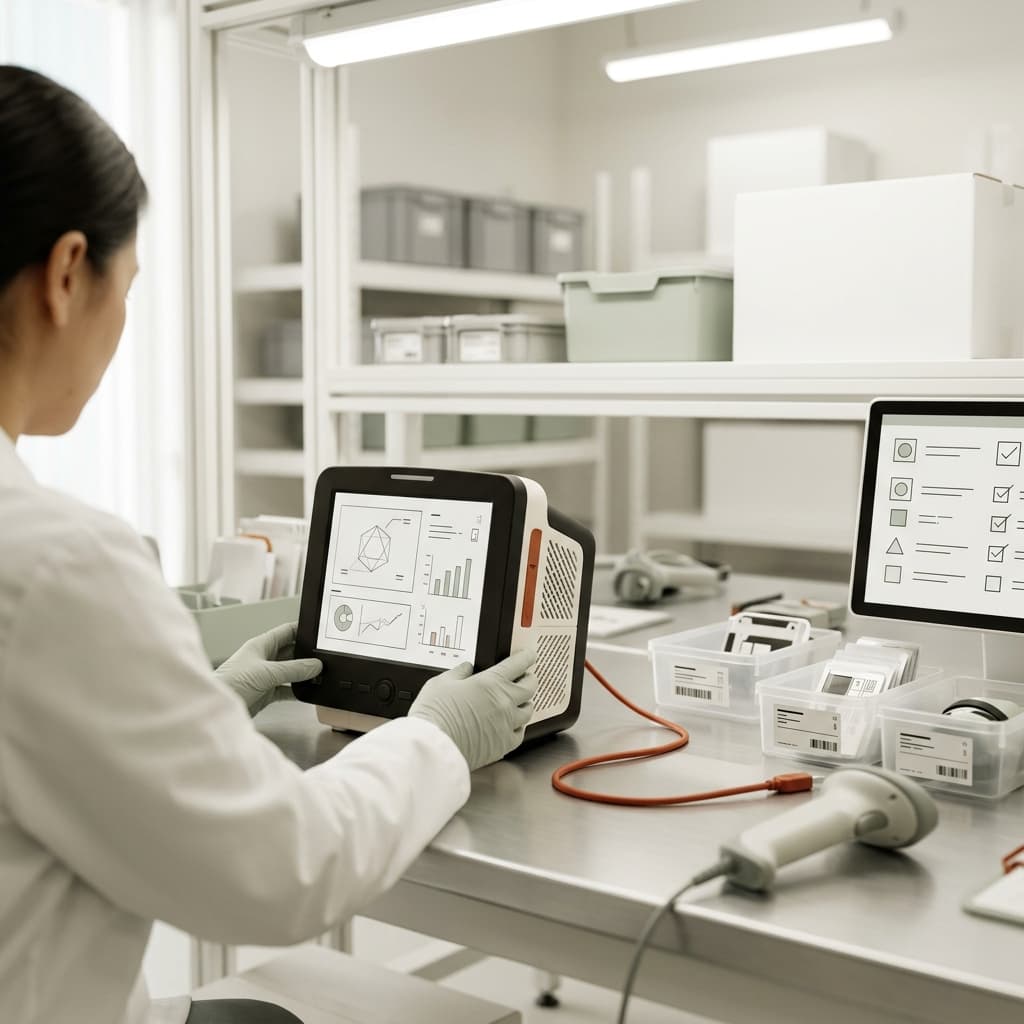
Receiving verifies the unit, records condition, and hands a complete record to triage.
Where the workflow breaks
Email threads and handwritten details make it harder to identify equipment and service needs.
Shipping activity becomes difficult to follow when the label and tracking number sit in a separate system.
An unboxing team loses time when a package arrives before the request and equipment record are ready.
What to examine
Ask who creates the record, where carrier activity appears, and what receiving can verify before triage begins.
Collect customer, equipment, issue, and return details in a consistent RMA request.
Keep label and tracking information with the operating record for UPS or FedEx workflows in scope.
Give receiving a clear match, condition check, and next action when equipment arrives.
Define shipping speed, customer or company carrier account, and destination depot rules by customer or equipment model.
Coordinate notifications, internal-driver queues, batched labels, packing slips, and the quality checks required before outbound movement.
Bring these owners into the review
Fit questions
Use these questions to clarify exact capabilities, integrations, and deployment commitments for your requirements.
The product walkthrough can show the available customer intake experience and identify any configuration needed for your process.
UPS and FedEx workflows are part of the evaluation. Exact services, accounts, label rules, and current integration scope should be confirmed during the demo.
The evaluation should determine whether EzBizPortal coordinates the required steps directly or connects to an existing system.
A useful working session
In 30 minutes, see how EzBizPortal could connect the work your team handles today.