More than a CMMS
Coordinate maintenance, orders, customer relationships, logistics, equipment, and RMA work without forcing each team into a separate operating record.
Operations software for medical equipment service teams
Connect customer intake, work orders, parts, approvals, shipping, and invoicing in one operating workflow.
See your workflow Bring your questions Call 844-439-2497
One operating record, from first request to financial handoff.





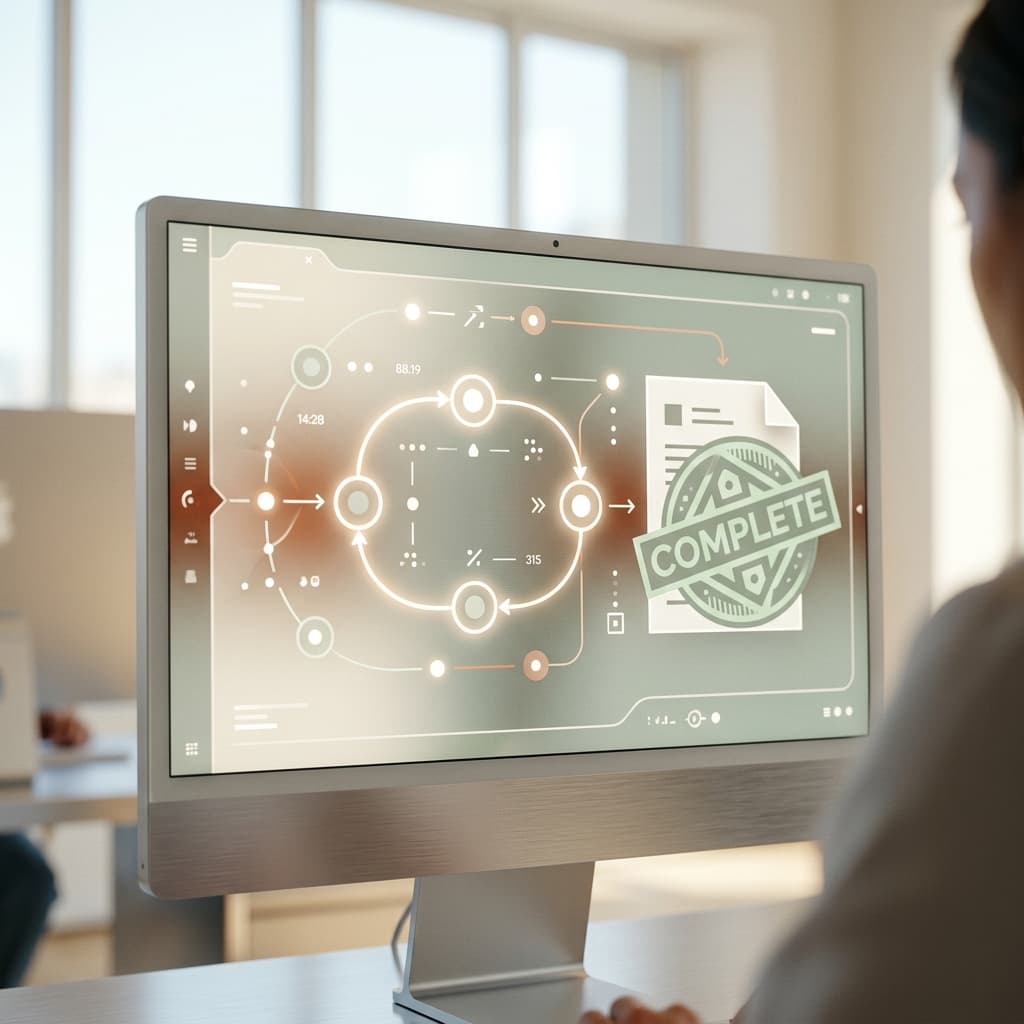
A critical asset goes down. The clock starts instantly, demanding precision from the first call.
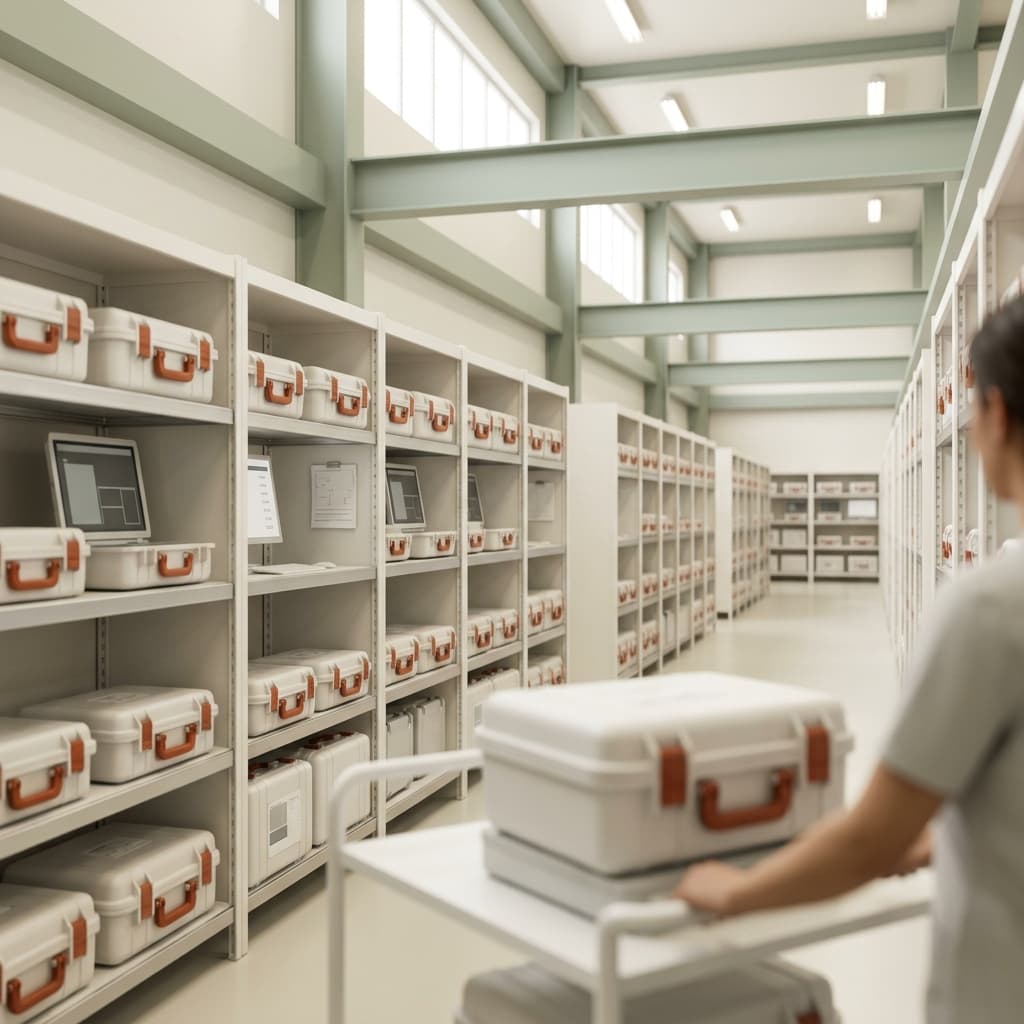
The operating layer
EzBizPortal combines the service record with the customer, order, logistics, equipment, and financial context needed to finish the job.
Coordinate maintenance, orders, customer relationships, logistics, equipment, and RMA work without forcing each team into a separate operating record.
Give customers a path to request RMAs and review orders, service reports, maintenance schedules, invoices, and equipment records.
Work with a dedicated account manager to design workflows and prepare imports from spreadsheets or an existing database.
See the real product
Watch the product walkthrough, then bring a representative workflow to a focused working session.

Operational outcomes
Give operations a shared view of requests, equipment, status, and next actions.
Reduce handoffs across email, spreadsheets, shipping portals, and disconnected tools.
Carry approvals, parts, labor, and job context forward to invoicing.
Built for your operating model
Different service environments share the same need for clearer intake, status, accountability, and handoffs.
Coordinate customer intake, technicians, repair status, and completed work.
See the solutionBuild a repeatable path from inbound equipment through repair, QC, and return.
See the solutionCreate clearer service visibility for biomedical and facility stakeholders.
See the solutionConnect equipment availability, service events, and customer handoffs.
See the solutionWhy EzBizPortal exists
EzBizPortal grew from the day-to-day needs of a working medical-equipment service operation.
That operating perspective keeps the evaluation focused on the full job: what enters the business, what gets worked, what the customer needs to know, and what must happen before revenue can move.
Read the company storyBefore you book
Bring one representative job and the questions that matter to your team—we’ll focus the conversation on fit, gaps, and next steps.
Teams that coordinate medical equipment service, repair, RMA, rental, or related operations and want to evaluate a more connected workflow.
We start with your current intake-to-invoice process, show the relevant EzBizPortal workflow, and identify open requirements or integration questions.
Yes. Pricing depends on the operating scope and implementation requirements, so the team will explain the factors and prepare the appropriate next step.
Yes—that is the point. Bring the steps, handoffs, or bottlenecks you want to examine.
A useful working session
In 30 minutes, see how EzBizPortal could connect the work your team handles today.