
Intake
Department, location, device, and priority
Structure the request so the team can triage without rebuilding basic context.
Healthcare technology management
Organize requests, device identity, location, priority, preventive and corrective work, parts, documentation, and stakeholder updates.
See your workflow Bring your questions Call 844-439-2497
In a focused demo, review
HTM command view
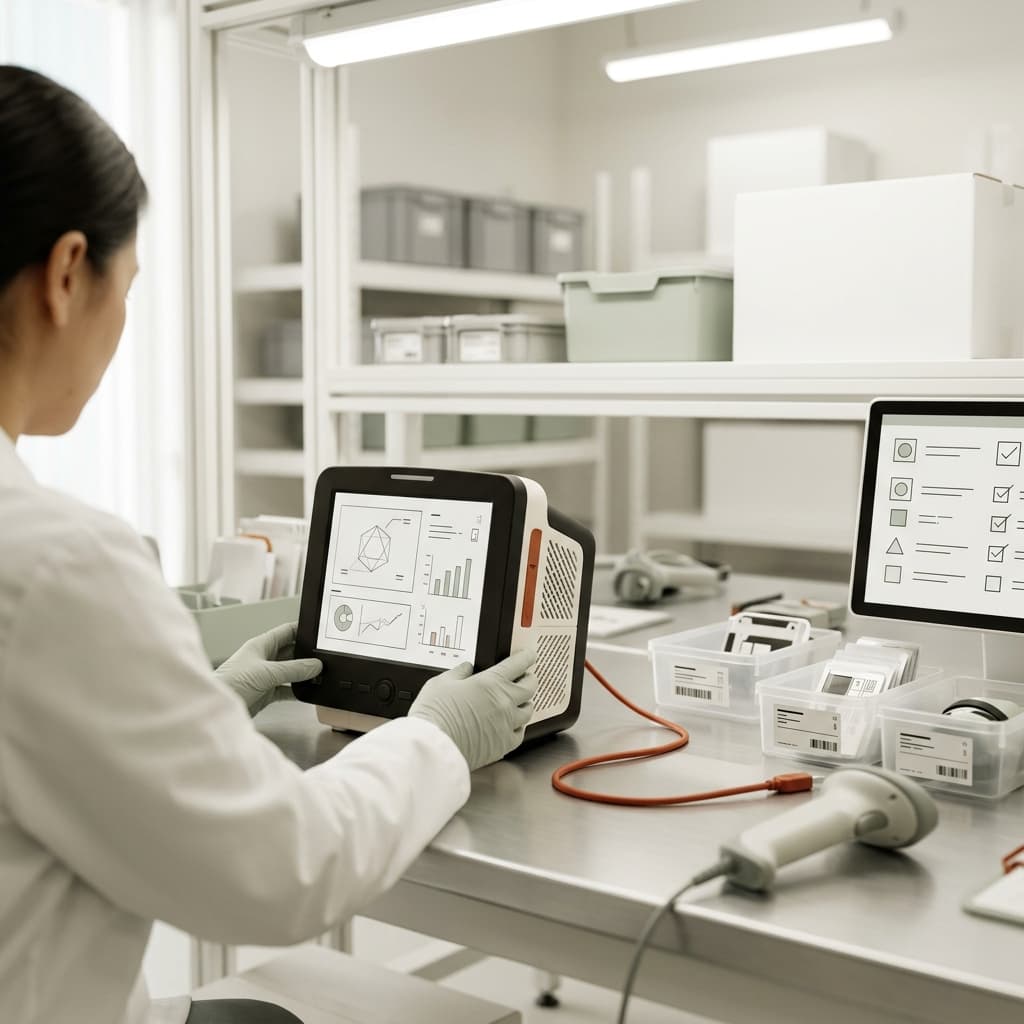
A biomedical team needs one view that answers where the equipment is, what it needs, who owns it, and what evidence is complete.
Intake
Structure the request so the team can triage without rebuilding basic context.
Plan
Place the job in the right queue with an owner, due date, procedure, and dependencies.
Execute
Keep service activity and required evidence tied to the equipment record.
Communicate
Give stakeholders a useful status while protecting role and data boundaries.
Where the workflow breaks
Location, equipment identity, urgency, and issue detail may arrive through different channels.
Corrective work, preventive work, parts waits, and documentation gaps compete for attention.
Clinical and operational partners need useful status without interrupting the people doing the work.
What to examine
Confirm identity, location, priority, preventive and corrective work, parts, evidence, and stakeholder status.
Bring location, device, priority, issue, and ownership into the operating record.
Keep work, parts, test activity, procedures, and documentation aligned to the equipment.
Evaluate stakeholder access, security, data, integration, and reporting needs without assuming unsupported compliance scope.
Standardize check procedures, test results, service reports, change approvals, and quality evidence across locations.
Limit features and closed-record changes by role, define management hierarchy, and review sign-in and action history.
Bring these owners into the review
Fit questions
Use these questions to clarify exact capabilities, integrations, and deployment commitments for your requirements.
No blanket compliance claim should be accepted from a marketing page. Request the current security and legal evidence for the exact deployment and intended data use.
That requires a functional, data, integration, security, and migration gap analysis against your current system.
Yes. Request the current evidence package and identify any missing controls or documentation during evaluation.
A useful working session
In 30 minutes, see how EzBizPortal could connect the work your team handles today.